Primarily, I prefer Claude Code as my coding harness for most of the agentic engineering work I do. It’s pretty great. But I’ve always been intrigued at the thought of running models locally with an open source coding harness, bypassing that monthly price tag. Aside from cost, I like the thought of keeping it all self-contained on my own hardware.
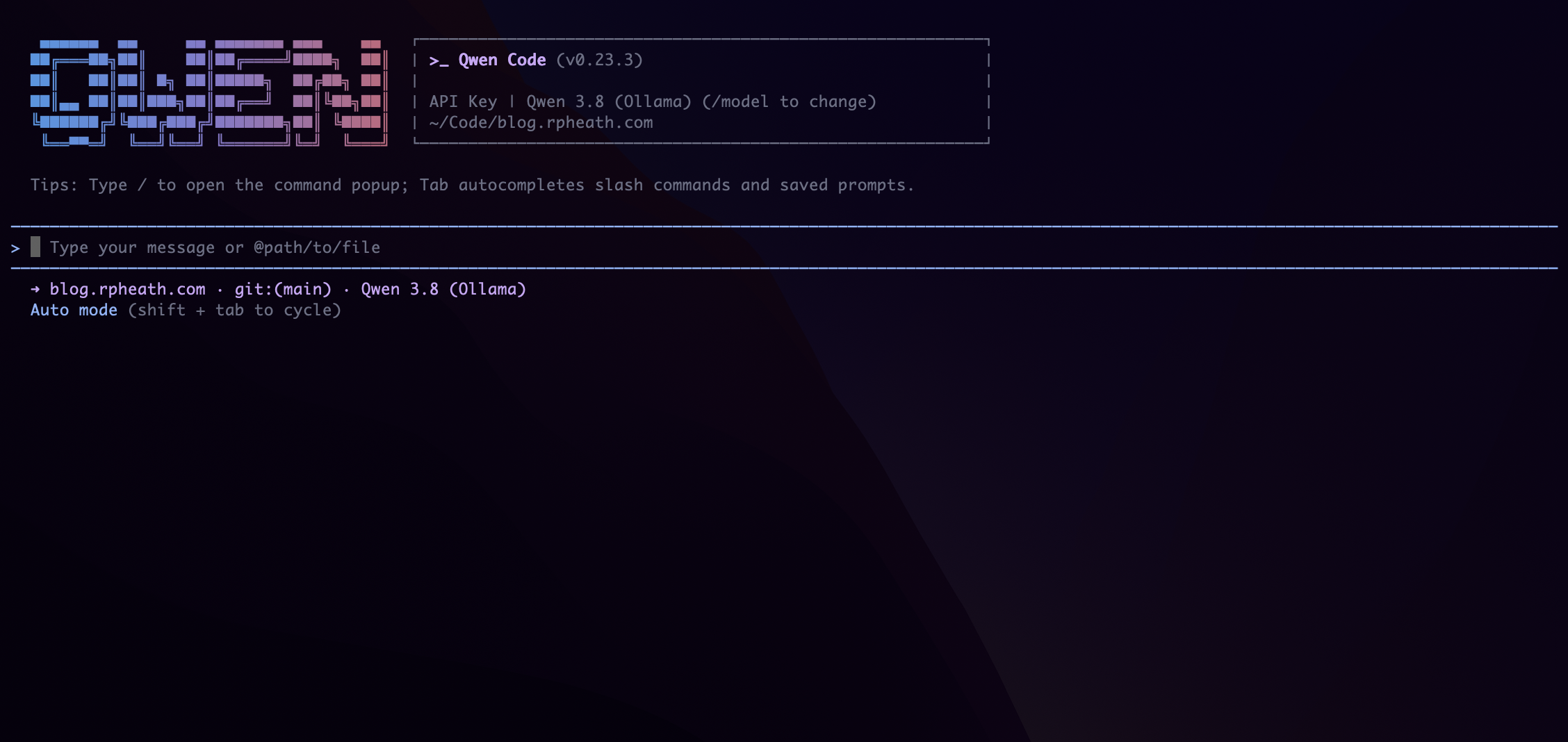
From my experiments, I’ve found Qwen Code to be near the top of the list. The frontier models and Claude Code are still superior, and I definitely feel the pain of running on my own hardware (M1 Max, 64GB of RAM), but if you’re patient enough the results are honestly really good. Anyway, let’s set it up and point it at a local qwen3.8 model.
Install ollama
I recommend ollama to manage your models, so start by installing that. Once you have that setup, you can get qwen3.8 with:
$> ollama pull qwen3.8
To verify your install, run it and give it a simple prompt.
$> ollama run qwen3.8
Run /bye when you’re done. Oh, and something else I figured out, ollama defaults to 4096 tokens… keeping this will result in the agent losing context pretty quickly. You’ll probably want to bump the size of the context window:
export OLLAMA_CONTEXT_LENGTH=65536
Qwen Code
Follow the installation instructions in the Qwen Code README. Now let’s add some configuration so we can use ollama with Qwen Code. You’ll want to put some settings in ~/.qwen/settings.json, here’s mine:
 1{
 2  "env": {
 3    "OLLAMA_API_KEY": "ollama"
 4  },
 5  "modelProviders": {
 6    "openai": [
 7      {
 8        "id": "qwen3.8",
 9        "name": "Qwen 3.8 (Ollama)",
10        "envKey": "OLLAMA_API_KEY",
11        "baseUrl": "http://localhost:11434/v1",
12        "generationConfig": {
13          "timeout": 600000,
14          "contextWindowSize": 65536,
15          "samplingParams": {
16            "temperature": 0.7,
17            "top_p": 0.8,
18            "max_tokens": 32768
19          }
20        }
21      }
22    ]
23  },
24  "ui": {
25    "autoModeAcknowledged": true
26  }
27}
Launch and Enjoy
qwen --auth-type openai --model qwen3.8
Now you’re ready to work! Congrats, you have a free local coding agent.